
Introduction
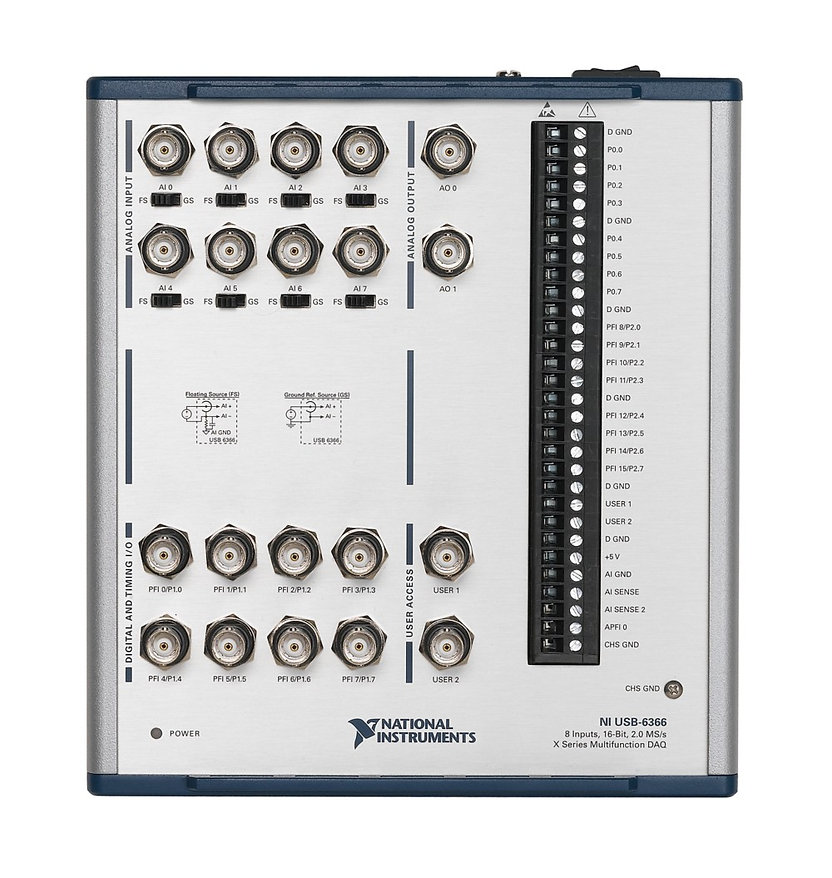
Let’s say we have a setup with a laser beam source and a coil generating a magnetic field, which should in some way interact with the beam. For this experiment we could use a data acquisition module, such as one of the NI USB X Series DAQs, which outputs voltage values to drive the coil and also accepts input signals from a surface where the laser beam hits (from an infrared photodetector, for example).
A common approach to this model-based simulation, which calculates output values based on the acquired input data, is to use the LabVIEW program.
About LabVIEW
What is happening under the hood during LABview project compilation? LabVIEW project is graphical, consisting of block diagrams, front panels, and control icons. But when VI is run in LabVIEW, the graphical code is compiled into machine code that can be executed on the computer or a target hardware device (like a DAQ).
LabVIEW programs are created using a graphical interface where users connect functional blocks to create a block diagram. This graphical code is what LabVIEW users directly interact with.
But when you run a VI, LabVIEW first compiles the graphical code into an intermediate representation known as DFIR (Data Flow Intermediate Representation). DFIR is a lower-level representation of the graphical code, optimized for execution.
The DFIR is then optimized for performance. This involves various compiler optimizations.
After optimization, DFIR is converted into a machine-independent intermediate language called LLVM IR (Low-Level Virtual Machine Intermediate Representation) or another intermediate form depending on the target platform.
The optimized intermediate representation is then compiled into machine code, specific to the architecture of the computer or target device.
But what could we do if for some reason the data processing speed of the data acquisition card is not good enough for us? How to eliminate potential loop time and delay?
Problem solving
The first idea that came up is try to find is it possible to somehow jump into one of the compilation stages, try to modify the source code and thus optimize the code that will later be flashed on the target device.
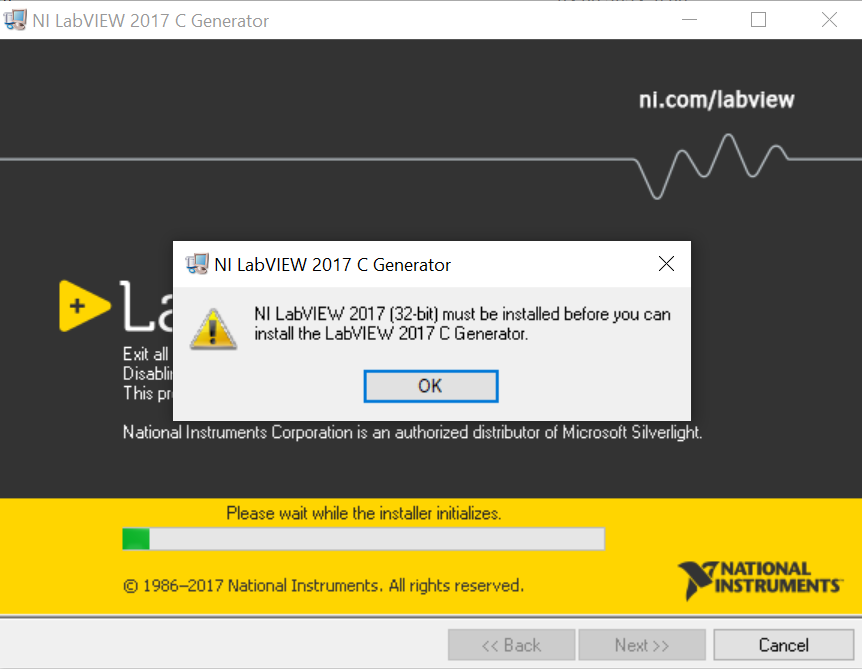
That could be possible with the help of the LabVIEW C Generator Module. The obstacle is that this program is compatible only with LabVIEW 2017 32-bit version.
Other ways around
NI-DAQ mx is a driver that manages entire DAQ system. It provides libraries for software development in C. Therefore, it is also possible to develop software directly in C (more preferred way of course).
Before all this work it is good to check what is the project’s compiler optimization level. It is possible that adjusting this level will be a good enough solution.
