
Introduction
Oscilloscope is an essential tool in development, acting as the eyes of an embedded developer. It’s natural to rely on the accuracy of its readings, but what happens when things go strange?
Our case
The oscilloscope discussed in this text is the Rohde & Schwarz RTB2004 digital oscilloscope.
Two different probes showed different voltage values when we attached them on the same signal. For example when we attached to CLK both showed good clocks but one was showing correct voltage levels and one was shifted down showing negative voltage. When we disconnected probes and blue and yellow signals seemed OK, but green and orange did not. We checked settings for every channel, they were the same.
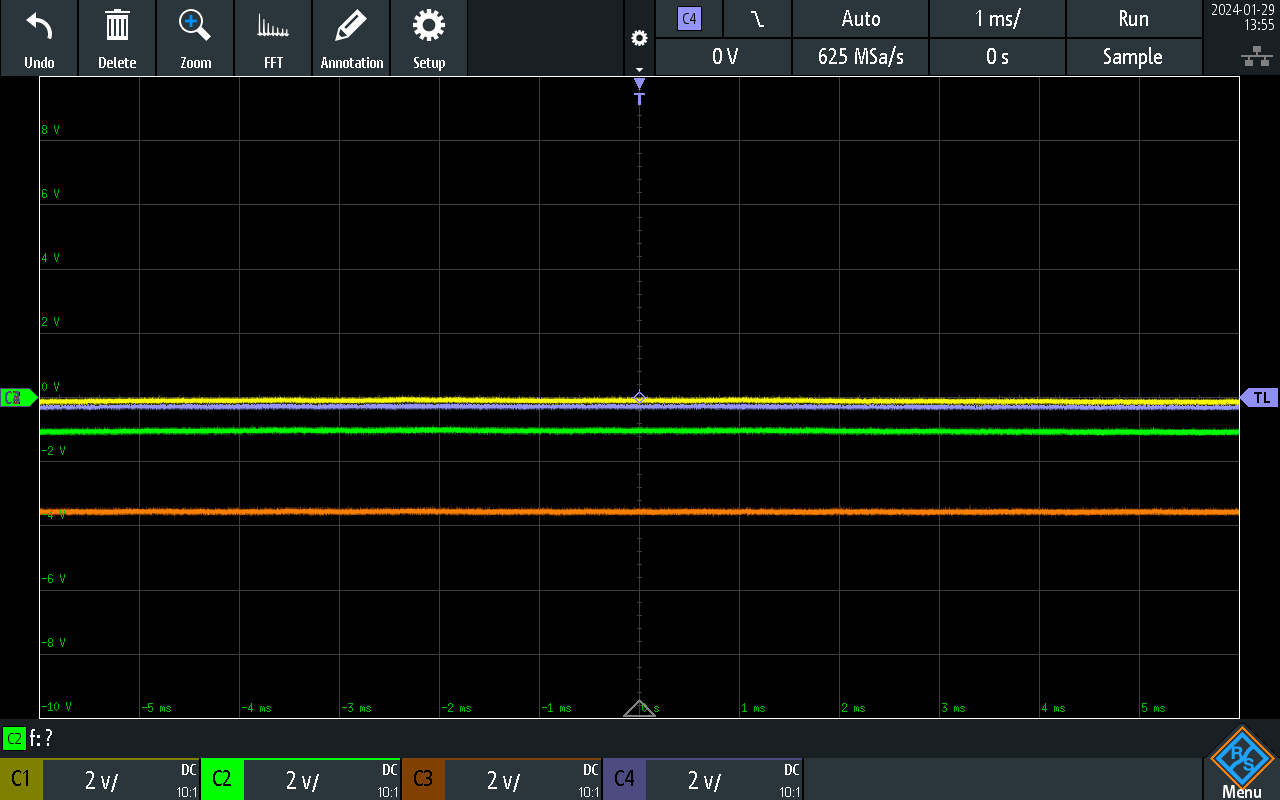
Of course, we first checked the voltage channel offsets. Then, we tried restarting the device, but the issue remained. Next, we adjusted the probes.
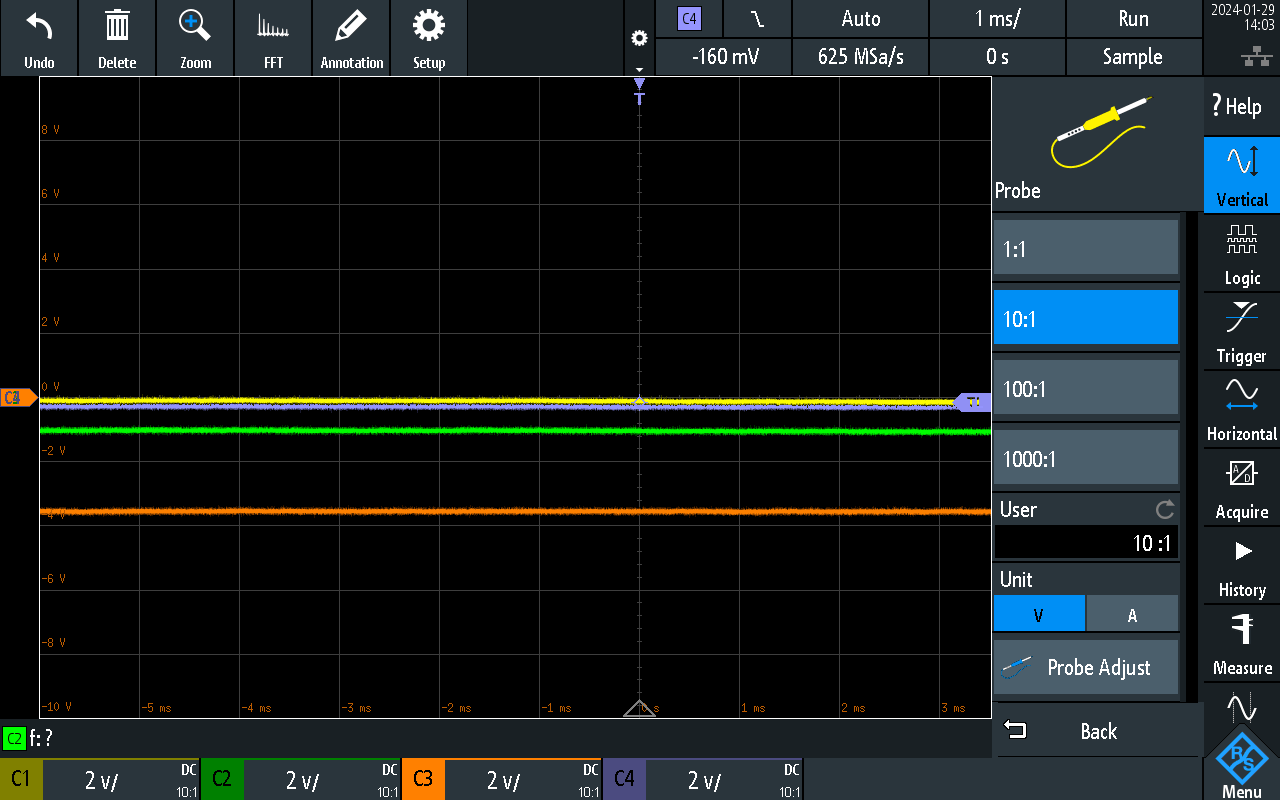
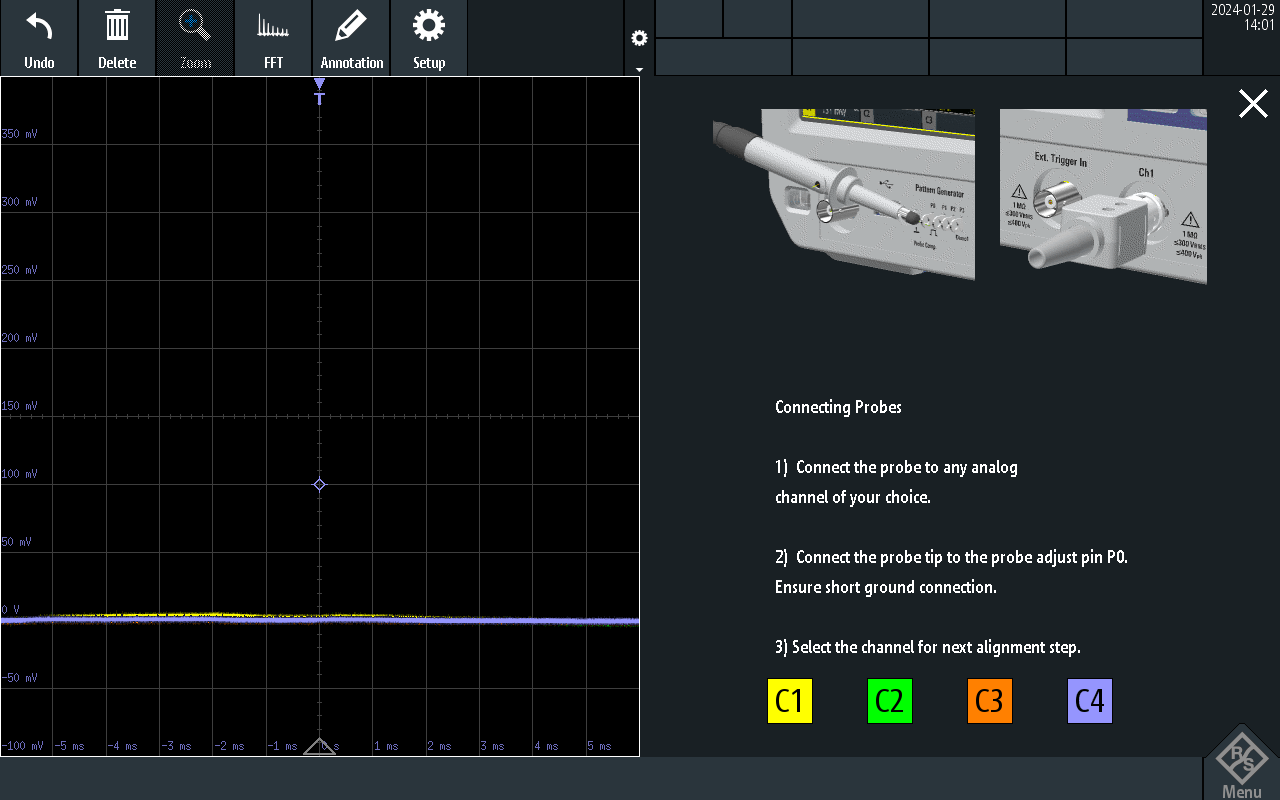
We found the description a bit confusing, but we proceeded like this:
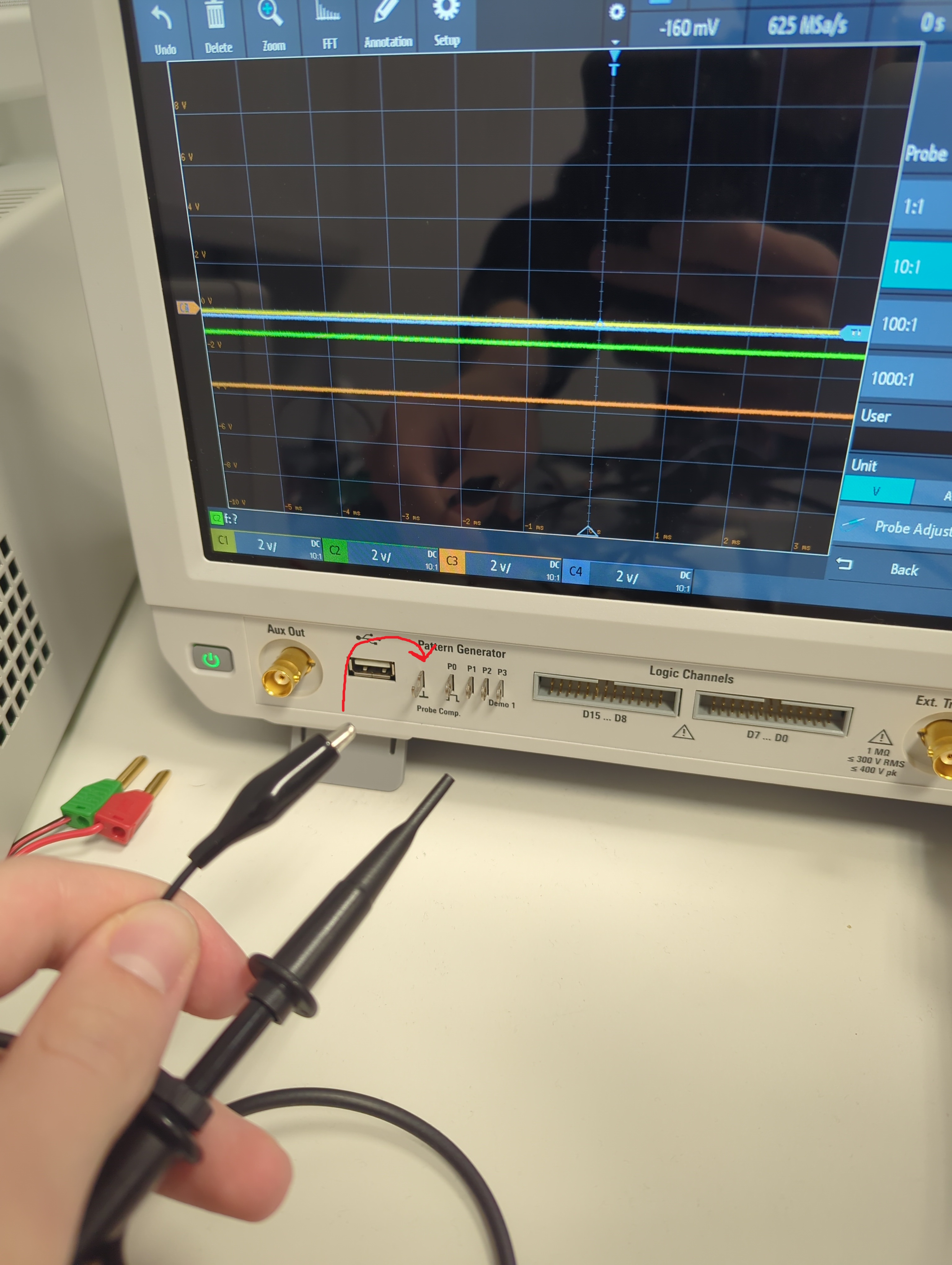
This didn’t help, the situation was the same. After reading the oscilloscope manual and searching various forums, we found that the next logical step was trying the self alignment feature. Keep in mind that this operation takes some time to execute.
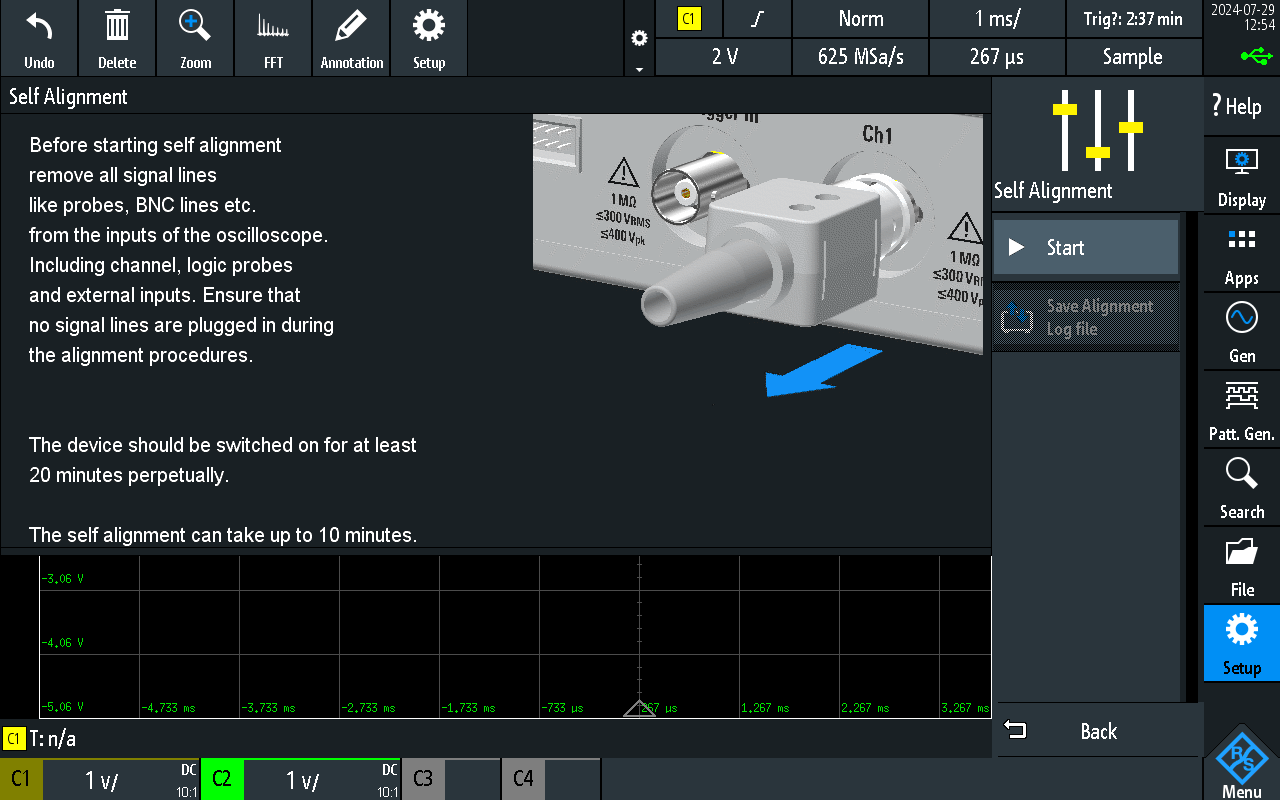
It solved the problem.