General notes before the start
There are things that would be good to know in advance, but some things cannot be foreseen before starting with work. We will highlight some “if only someone had told us” things (no particular order):
- First of all, alongside Raspberry Pi, you’ll probably need some of the devices and adapters, for example:
- Power supply, SD card, USB devices
- HDMI Micro male to HDMI male cable/adapter
- SD card adapters
- VGA female to HDMI male adapter
- UTP cable
- Keep in mind that the micro HDMI port on the Raspberry Pi can be easily bent if you use an adapter. We recommend using a cable.
- When installing operating system (Ubuntu Server for example), keep in mind that it would be good to install the LTS (Long-term support) version.
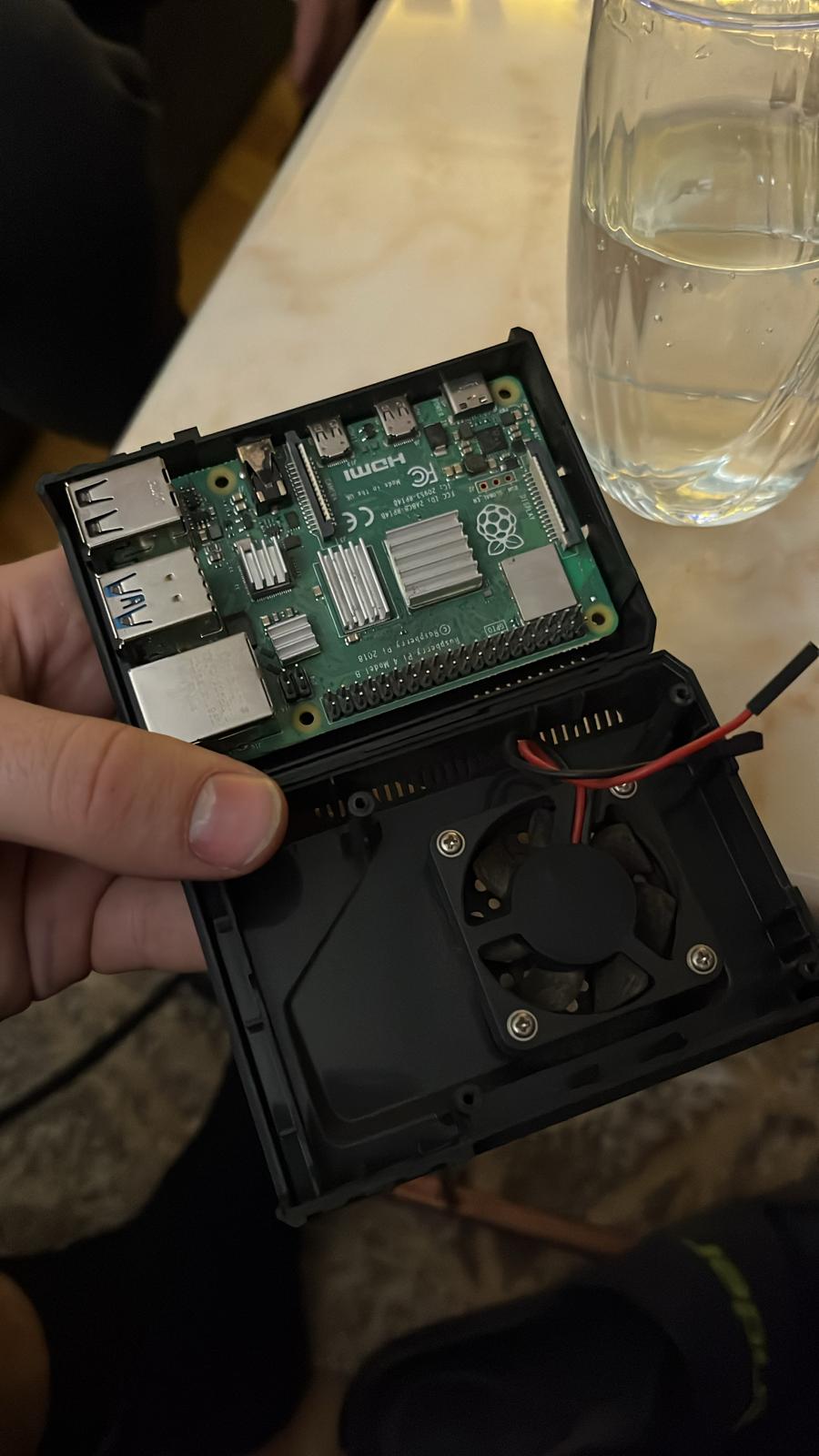
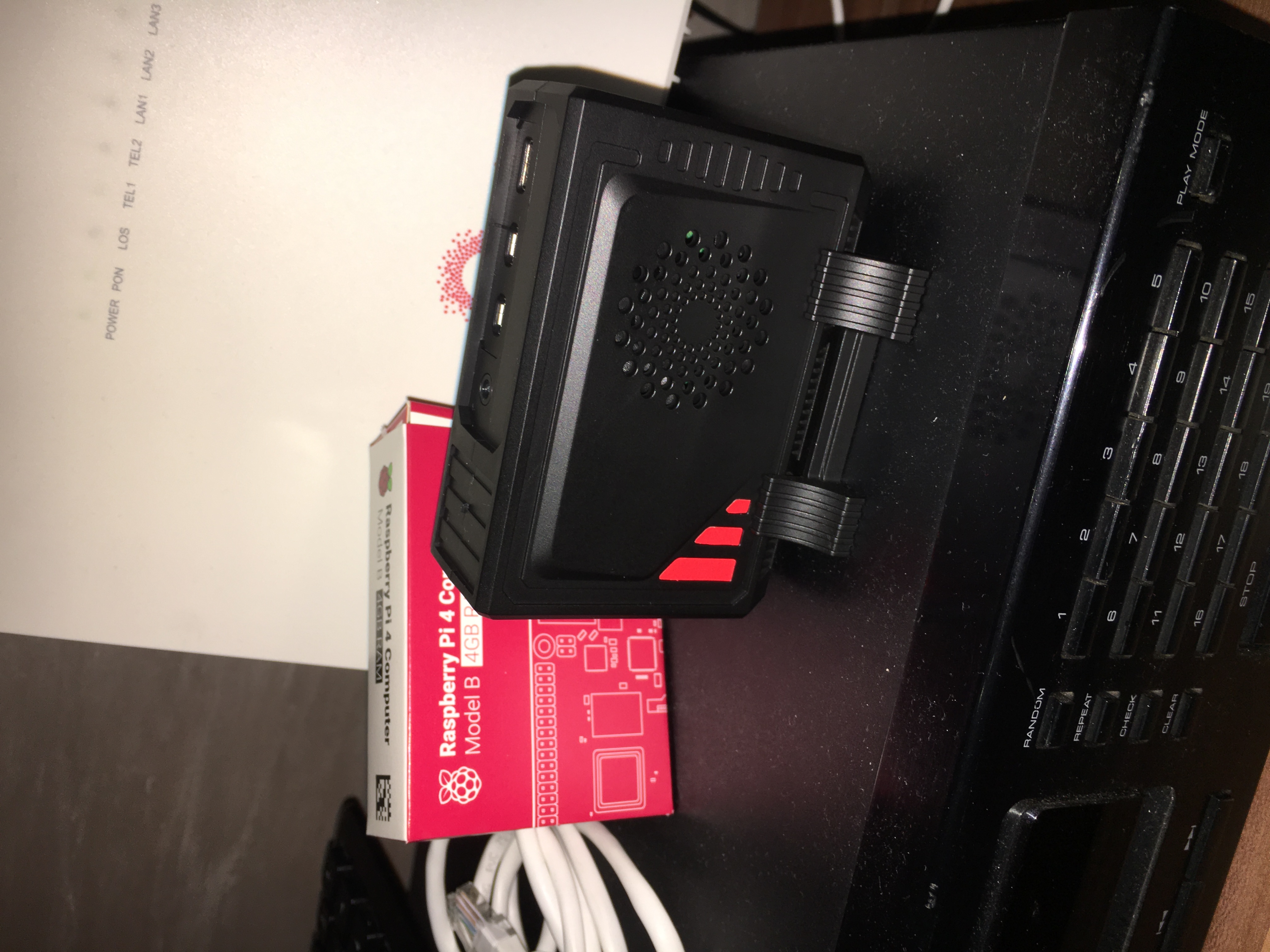
- We recommend to use cooling and a case for your Raspberry Pi.
- Consider using a static IP address for the device.
Setting up the server and services
After successfully installing OS on the Raspberry Pi, one of the first steps is typically installing SSH and FTP. This allows remote access from another machine. For the client, we recommend FileZilla. It is possible to encounter a problem with file privileges when transferring a zip file, resulting in file display error on the web server for example.
We have successfully set up the following services on the Raspberry Pi:
- Nextcloud - Files sharing service, tried video calls even, worked well for two people, but not when more joined.
- Calibre - E-book management service.
- Apache (HTTP Server) - Essential when hosting websites. We developed websites using pure HTML as well as others with MySQL and PHP to implement a user login system. We also tried hosting WordPress websites, which worked well.
- VMware ESXi - Virtual Machines on Raspberry Pi are good solution for running multiple operating systems on a single physical device. Worked very well! However, we encountered some issues related to ESXi for ARM architecture (such as managing multiple HDD drives).
The services that we started to set up:
- RocketChat - Want to avoid messaging platforms like WhatsApp due to data privacy concerns? This messaging solution stores your data on a Raspberry Pi. There is a free client app available for mobile also.
- Asterisk - The solution if you want to run a server for a VoIP service.
General notes and other interesting things to do:
- Monitoring log files on the server. By analyzing them, it is possible to determine the locations from which access to the server was attempted using IP location Address Lookup.
- In order to enable global access to the server, you need to open specific ports in your router’s configuration.
Maintenance
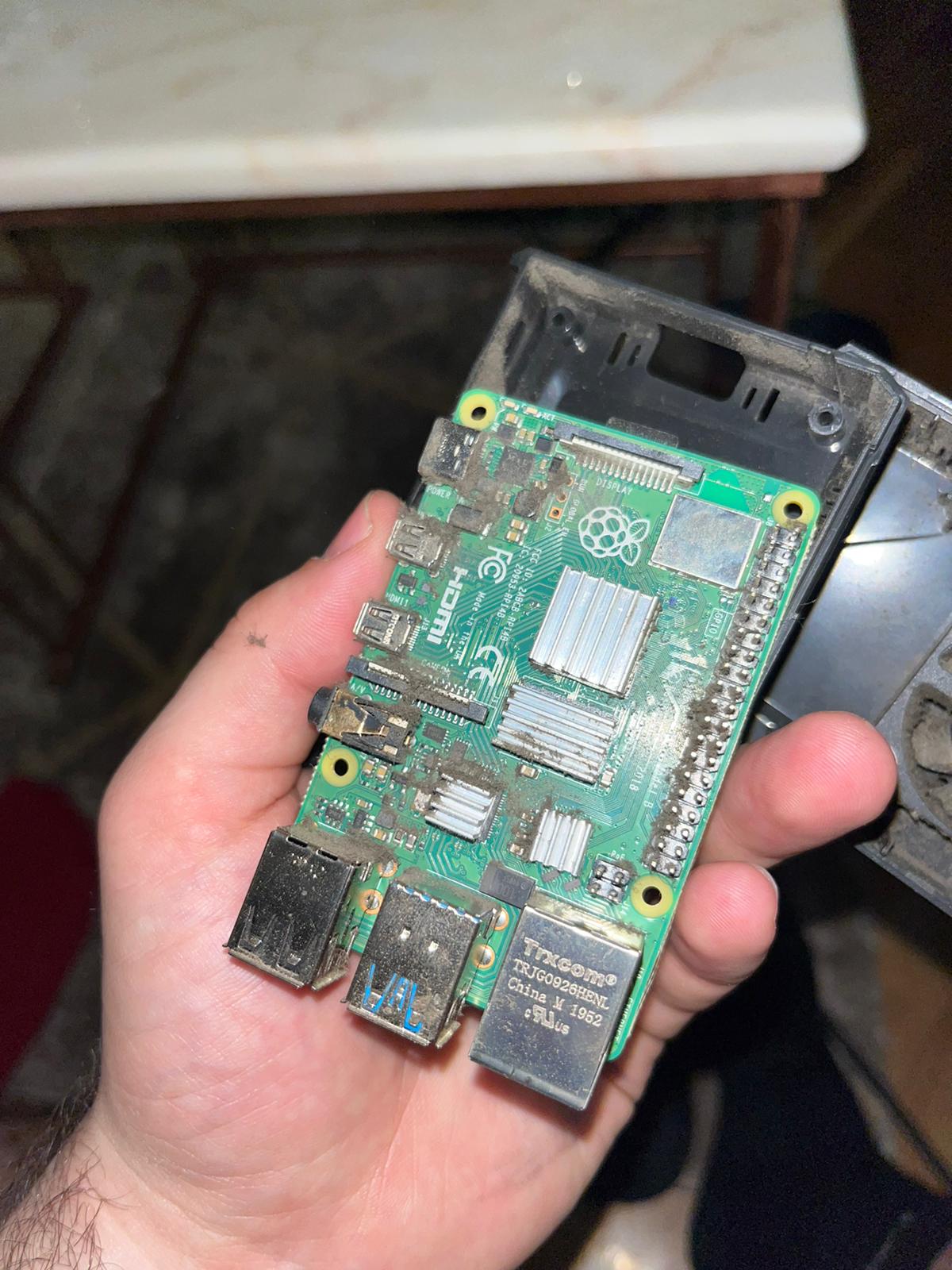
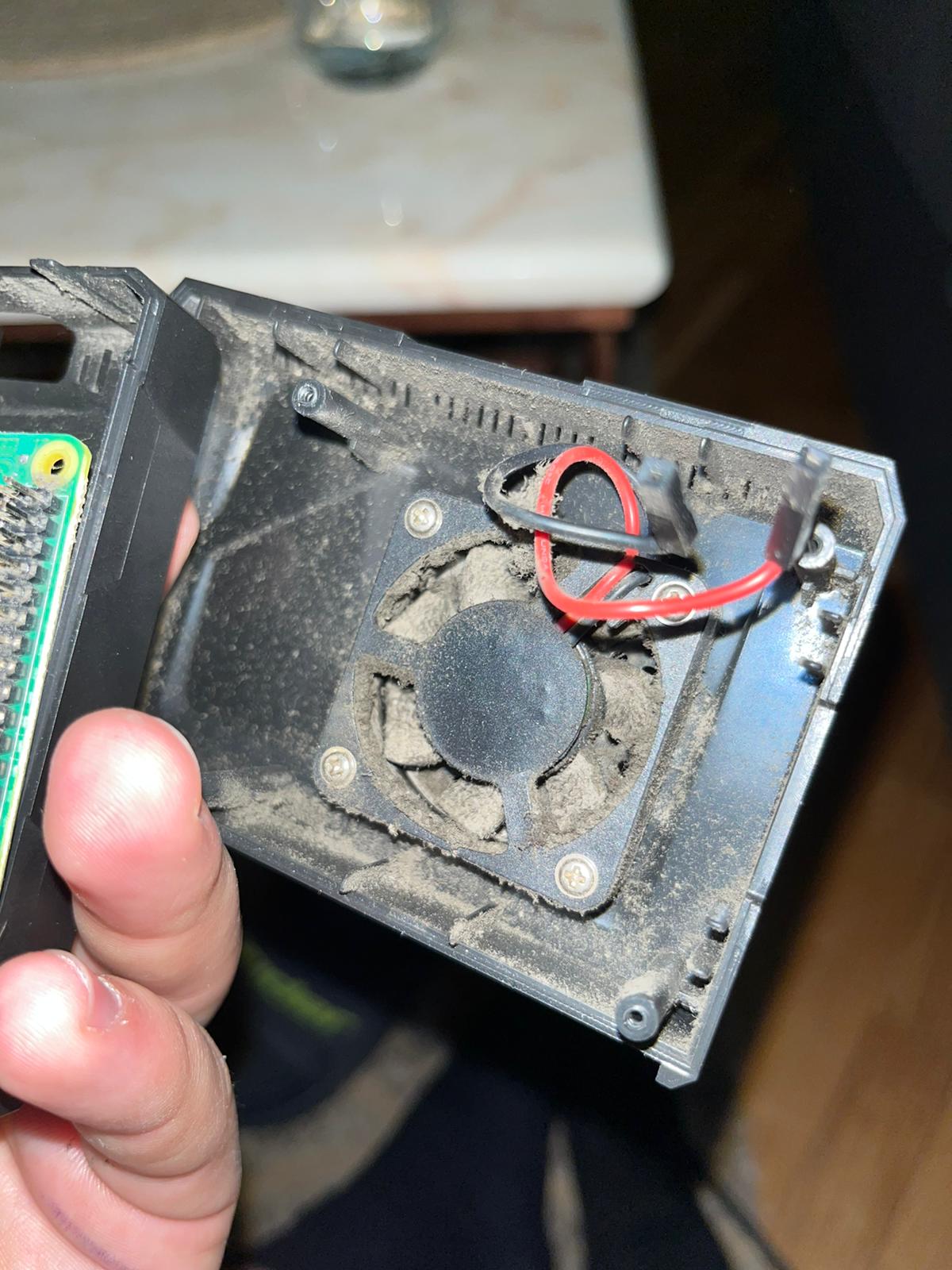
It is possible to monitor the values of Raspberry Pi temperature sensors in order to see the difference when the device is working with and without coolers. We recommend to use both passive and active cooler.
Our device worked more or less continuously for 3 years. Here are the pictures of device before and after the cleaning: