
Introduction
The ThinkPad T470s is a robust, traditional and timeless model, yet it remains elegant, compact, and lightweight, making it one of our favorite laptops. For those who use an external monitor in their daily workstation setup, connecting this laptop to an external monitor could be essential.
Problem solving
As expected, we first tried to connect using a standard HDMI cable. The maximum refresh rate on the extended display was 30Hz, and there seemed to be no way to change it. So, we tried an HDMI to USB-C cable solution, which solved the problem.
If you have different laptop, before trying this solution, be sure to check whether the device supports HDMI communication via USB-C or if the port is only used for power supply. Here is the snippet from T470s datasheet:

Do not use this cable if the USB-C port on your PC is only used for power supply. Here it looks like AAF7K is fried, part of CS5266 Type-C to HDMI chip also.

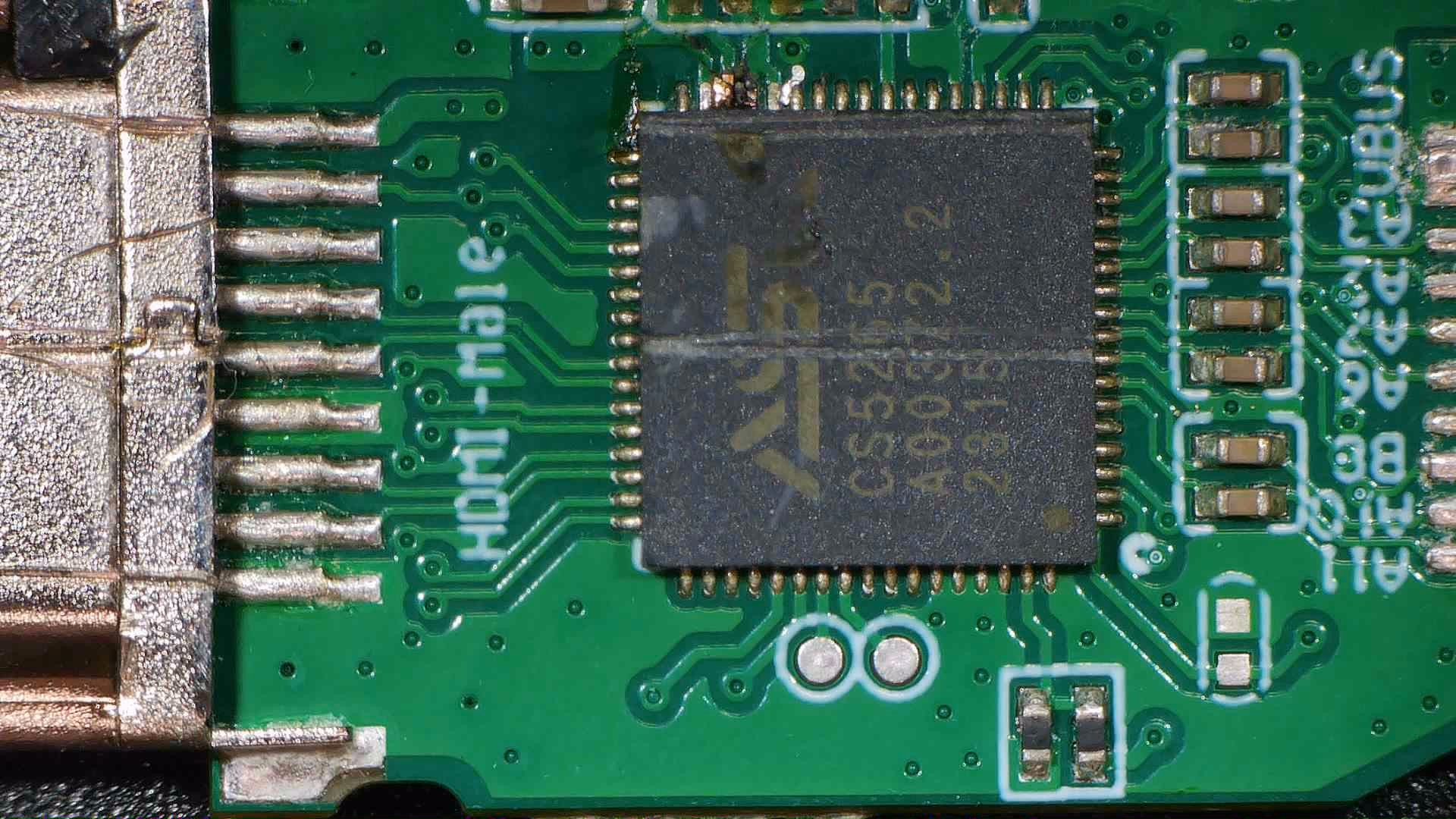
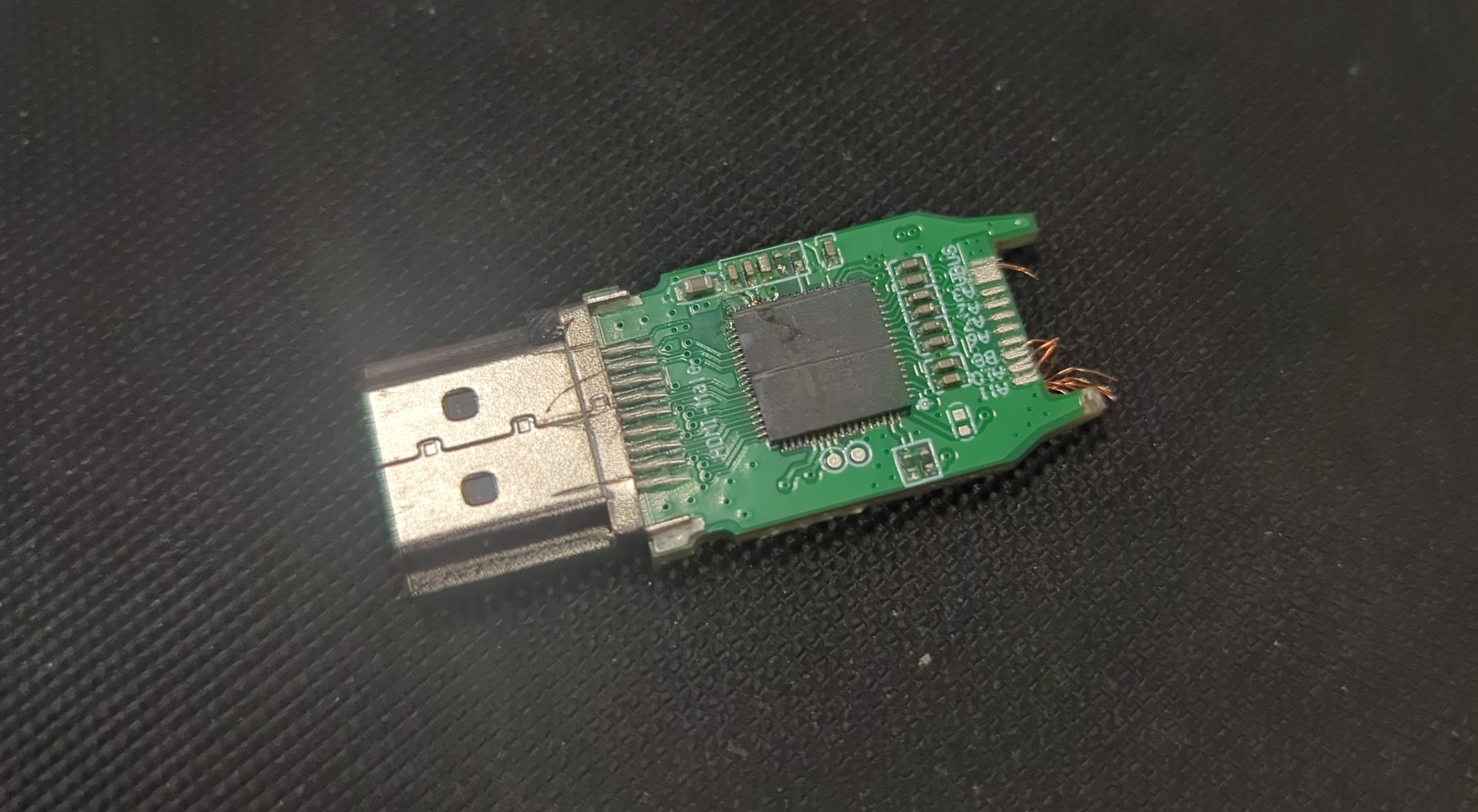
Inspection and report on how to repair this yet to come…
Notes
A strong recommendation for T470s if you’re unsure about your choice and need a reliable laptop.
Sources
- Lenovo, ThinkPad T470s Platform specifications