
Introduction
Trying to plug in a USB device and finding that it doesn’t work is very frustrating experience, right? So, what should you do when this happens? Let’s break it down and explore a step-by-step approach to tackle this issue effectively.
First thing to do
It is always a good idea to start by considering whether the issue is software related. Common problems might include the USB drive being reformatted, software locked, or something similar. To address this, having access to a Linux computer can be extremely useful, as it provides powerful command line tools for diagnosing and resolving such problems.
Once we have ruled out software problem as the source of the issue, we can move on to hardware debugging. A thermal camera is an excellent tool for this step, as it allows us to visualize the temperature distribution across the USB device. If we detect areas of high temperature, the next step is to carefully remove the casing of the USB device and use the thermal camera again to pinpoint the specific component that is overheating. Removing a casing is often more complicated than it initially appears.
Keep in mind that an overheating component doesn’t necessarily indicate it’s the root cause of the malfunction. The issue might originate from another faulty component, which could be causing the overheating another chips.
Further investigation
Schematics are often unavailable, making it challenging to understand the electrical design. However, by carefully analyzing the datasheets of individual components, you can piece together some picture of the device’s electrical connections. Another common issue is that component designators may be unclear or uninformative. Fortunately, this challenge can often be addressed by seeking advice on the right forums and engaging with knowledgeable communities.
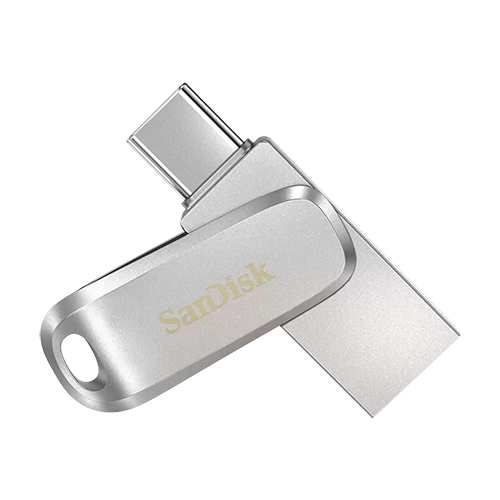
We worked with the SANDISK Ultra Dual Drive USB-C/USB-A device. The architecture is similar to that of an SD card, featuring a NAND memory chip alongside other components integrated directly onto the chip. If all other components are functioning correctly, it’s likely that the chip itself is faulty. In such cases, specialized tools are required to repair the USB device.
We found that VCC and GND were shorted. By carefully examining the contacts with a multimeter and reverse engineering the hardware, we confirmed that all the components on the board were functioning correctly.
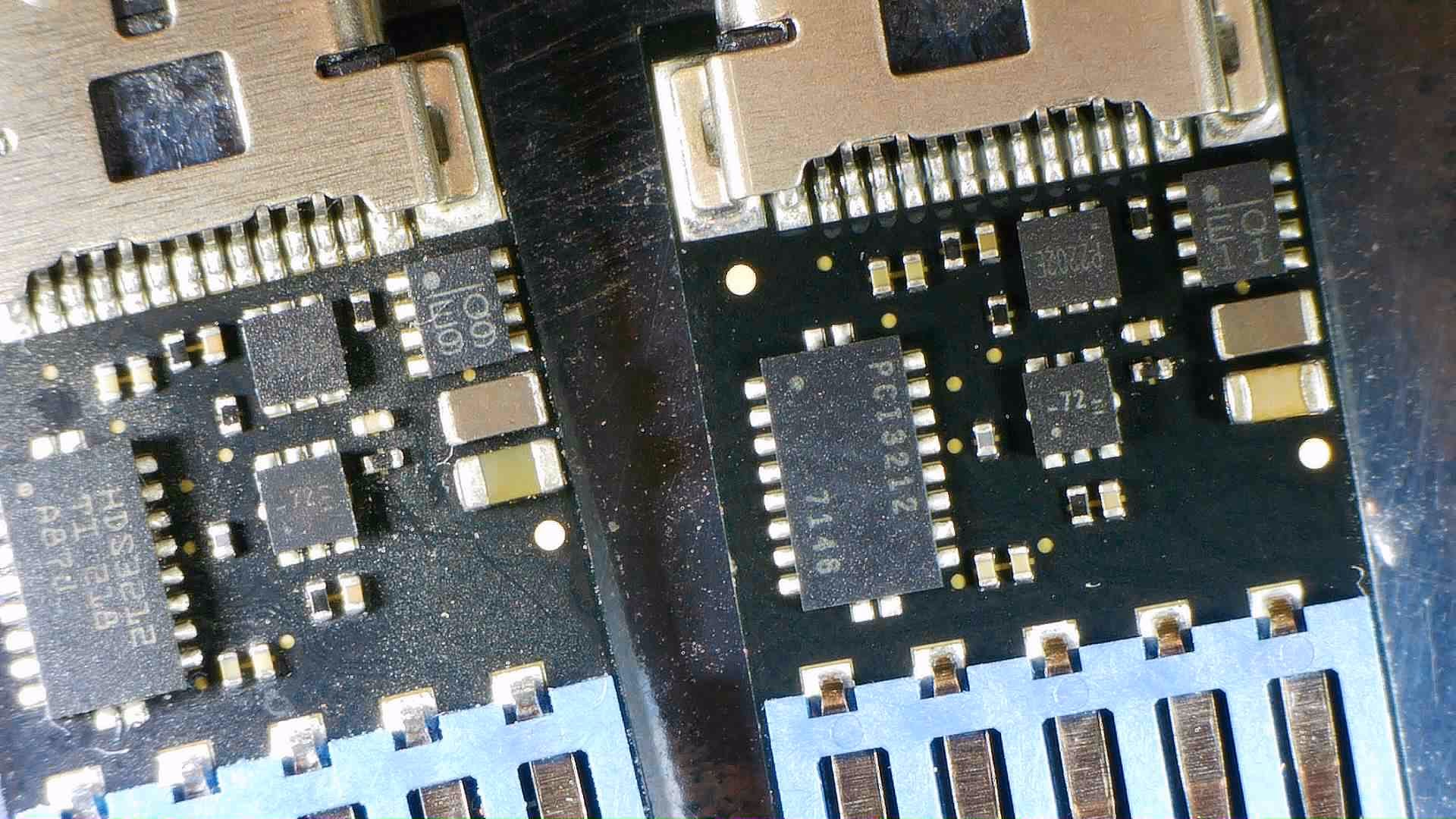
At this point, we have paused further investigation, as we currently lack the necessary tools to proceed. Specialized equipment for digital forensics is required to continue the data recovery process on this USB device, like Spider board for data recovery.

Sources
- SanDisk shop
- PITS Global Data Recovery Services, Spider Board